


Welcome
Football Coverage, Around the Clock
Mì Tôm TV — Mitom TV — is a Vietnamese online football platform built for fans who want full HD streams alongside the numbers that matter: schedules, standings, odds, results, and livescore for leagues across the globe. Alongside the live game, the site runs video highlights, football knowledge guides, and news updates around the clock, operating from Ho Chi Minh City.
Browse match times for the Premier League, Champions League, Serie A, La Liga, Bundesliga, Ligue 1, V League, and dozens of other competitions, then check back for results and commentary once the whistle blows.
What You'll Find on Mitom TV
Live Streaming
Schedules
Standings
Odds & Results
Knowledge & News
How to Stream Live Football Without Lag on Mitom TV
A buffering stream can spoil the most important moments of a football match. Delayed audio, frozen video, and sudden drops in quality make it difficult to follow fast attacks, live commentary, and changing scores. A few practical adjustments can make online match viewing much smoother.
Mitom TV brings live football coverage, fixtures, schedules, standings, odds, results, livescores, highlights, and football news together in one place. Since the platform covers European leagues as well as competitions across Vietnam, Asia, South America, and North America, viewers may watch matches at different times and under very different network conditions.
Check your internet connection first
A stable connection matters more than a high headline speed. For standard-definition football, a consistent connection of around 5 Mbps may be sufficient, while Full HD viewing generally benefits from 10 Mbps or more. Shared networks can reduce available bandwidth, especially when other people are streaming films, downloading files, or playing online games.
Run a speed test shortly before kickoff and check both download speed and latency. A lower ping usually helps the stream respond faster, while sudden fluctuations often cause buffering. If the connection is unstable, restarting the router can clear temporary problems before the match begins.
Use a reliable device and browser
Older phones, tablets, and computers may struggle to decode high-resolution video even when the internet connection is fast. Close unused applications and browser tabs, particularly those using video, cloud storage, or large downloads. Keeping the operating system and browser updated can also improve playback compatibility.
For longer matches, a desktop, smart television, or modern streaming device may provide a steadier experience than a low-power mobile phone. If video stutters while other websites work normally, reduce the stream resolution and check whether the device is overheating or running low on memory.
Match your connection to the stream
Choosing the right playback quality is one of the quickest ways to reduce lag. Full HD is ideal when the network is stable, but a lower resolution may deliver a clearer overall experience when bandwidth changes during a crowded match. The goal is continuous playback rather than the highest possible pixel count.
| Viewing setup | Recommended approach | Why it helps |
|---|---|---|
| Wired computer connection | Use Full HD when speed is stable | Reduces wireless interference |
| Strong 5 GHz Wi-Fi | Try Full HD and monitor playback | Offers good speed near the router |
| Busy household network | Choose HD or standard definition | Leaves room for other users |
| Mobile data | Start with a moderate quality | Avoids rapid data use and drops |
| Weak or fluctuating signal | Lower resolution and pause downloads | Improves stream continuity |
If the player offers quality controls, make a change before the match becomes heavily congested. Allowing a few seconds for the new setting to load is usually better than repeatedly refreshing the page.
Improve Wi-Fi performance
Distance, walls, appliances, and neighboring networks can all weaken Wi-Fi. Place the router in an open, central position rather than inside a cabinet or behind a television. Watching near the router can make a noticeable difference, especially for Full HD football streams.
A wired Ethernet connection is usually the most dependable option for a desktop, laptop, or compatible television. If Ethernet is not practical, use the 5 GHz network when close to the router and switch to 2.4 GHz when range is more important. Avoid placing the device beside cordless phones or other sources of wireless interference.
Prepare before kickoff
Open Mitom TV a few minutes before the scheduled start and locate the correct match listing. The platform’s fixtures, schedules, and livescores can help confirm the competition, kickoff time, and available coverage. Preparing early gives you time to test playback instead of troubleshooting during the opening attack.
Close unnecessary downloads, pause automatic updates, and ask other users on the same network to avoid bandwidth-heavy activity during the match. If the stream stops, refresh once, check the internet connection, and reopen the fixture rather than repeatedly clicking the player.
Troubleshoot playback problems quickly
When buffering begins, first determine whether the issue affects one match or the entire connection. Test another website or service, then return to the stream. If other pages also load slowly, the problem is probably local network congestion. If only the video is affected, lowering quality or restarting the browser may resolve it.
Clear excessive browser cache data, disable unnecessary extensions, and ensure that ad-blocking or privacy tools are not interfering with the player. On mobile, switching between Wi-Fi and mobile data can identify whether the issue comes from the home network. Always use the official site address and keep security software active while browsing.
Build a smoother match-day routine
- Test connection speed before important fixtures.
- Use Ethernet or a strong nearby Wi-Fi signal whenever possible.
- Select a resolution that matches current bandwidth.
- Pause downloads, cloud backups, and automatic updates.
- Keep the browser, device software, and security tools updated.
With these habits, fans can follow live football, commentary, results, highlights, and international competitions with fewer interruptions. Open Mitom TV before the next fixture, choose the appropriate stream quality, and settle in with a connection prepared for the full ninety minutes.
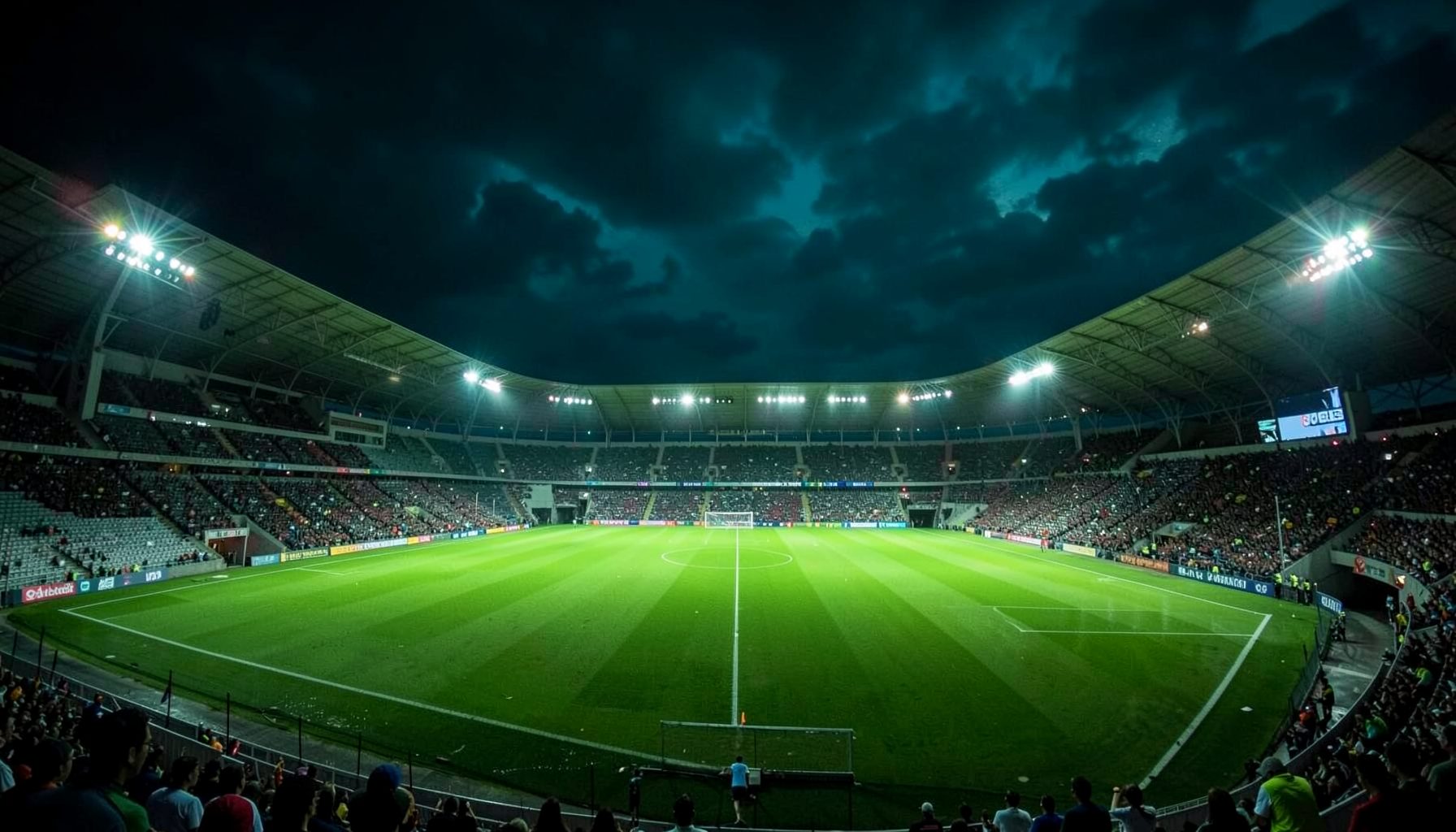
Explore the Full Fixture List
Check schedules, standings, and odds for the leagues you follow, all in one place.
View Schedule